How to Use SKILL.md Skills in Cursor
Set up SKILL.md skills in Cursor alongside .cursorrules. Installation, configuration, and cross-agent skill sharing.
Quick Answer: 1. Download a skill zip from the Agensi marketplace. 2. Unzip into
.cursor/rules/in your repo or~/.cursor/skills/globally. 3. Reload Cursor. The SKILL.md file is picked up automatically on the next session. Try code-reviewer first; it is free and has 764 installs.
Step 1: pick a skill
Open the Agensi skills marketplace and download the zip for any skill. Free skills need no account.
Recommended skills

Systematic Debugging: 4-Phase Root Cause Methodology
by DesignBureau
Stop guessing at bugs. A 4-phase method that makes you find root cause before to…
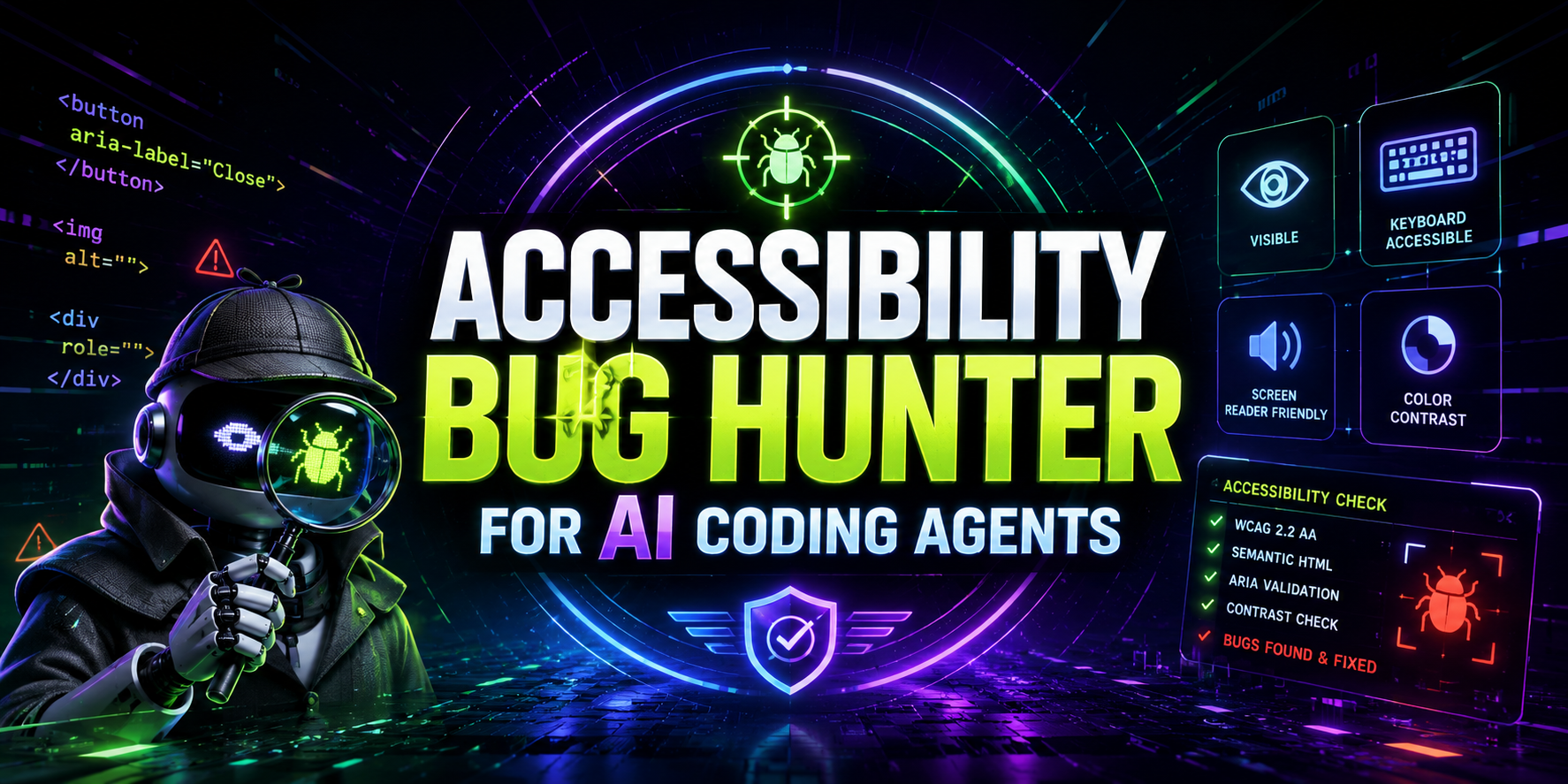
Accessibility Bug Hunter for AI Coding Agents
by Shandra
Finds accessibility problems in UI code and turns them into prioritized fixes, W…
click-to-convert-audit
by Gabriel Simion · 141
High-integrity landing page audits that identify ad spend hazards and conversion…
Step 2: unzip into the right folder
- Repo-scoped (recommended):
.cursor/rules/<skill-folder>/at the root of your repo. Only that repo uses the skill. - Global:
~/.cursor/skills/<skill-folder>/. Available in every Cursor project.
unzip code-reviewer.zip -d .cursor/rules/
Step 3: reload Cursor
Close and reopen Cursor, or run "Developer: Reload Window" from the command palette. Open the composer, and the skill activates when the trigger described in its SKILL.md frontmatter matches.
Three skills worth installing first
- code-reviewer. Free, 764 installs. Runs a diff-aware code review before you commit.
- git-commit-writer. Free, 232 installs. Writes conventional-commit messages.
- readme-generator. Free, 171 installs. Generates a full README from your repo.
Troubleshooting
If the skill does not activate, confirm the folder contains a SKILL.md file at its root (not one level deep), and that Cursor was fully reloaded. Format details live in our SKILL.md format reference.